


Features
Flexible Customization
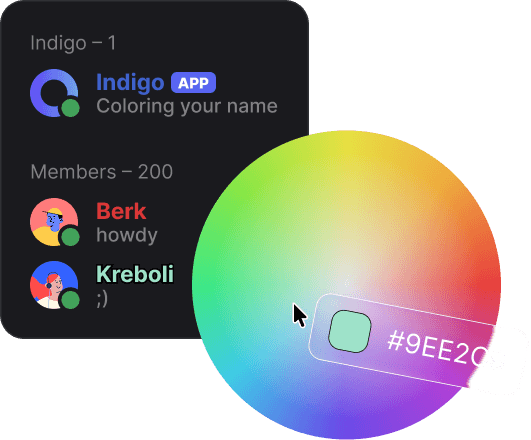
- Colors: Use any hex code or choose from 90+ predefined colors
- Gradient & Holographic: Create unique gradients or use holographic mode
- Role Names: Personalize your color role with a custom name
- Intuitive Experience: Simple commands anyone can use
Commands
FAQ
Try these steps:
- Verify the bot has
Use Slash Commandspermission. - Wait a few minutes for Discord to sync commands globally.
- Check the bot status in the Support Server.
Common causes:
- Ensure the bot has Manage Roles permission.
- Verify the bot's role is above the roles you want to color.
- Discord allows 250 roles per server; ensure you haven't exceeded that.
Check the following:
- Server must have 3 boosts to unlock Enhanced Role Styles.
- The bot will tell you how many more boosts are needed if any.
Need help?
Join our Support Server on Discord to ask questions, suggest features or just hang out!